
SitePulse
Watch your WordPress site day and night. Get an email or Slack alert the moment it goes down, and again when it is back.
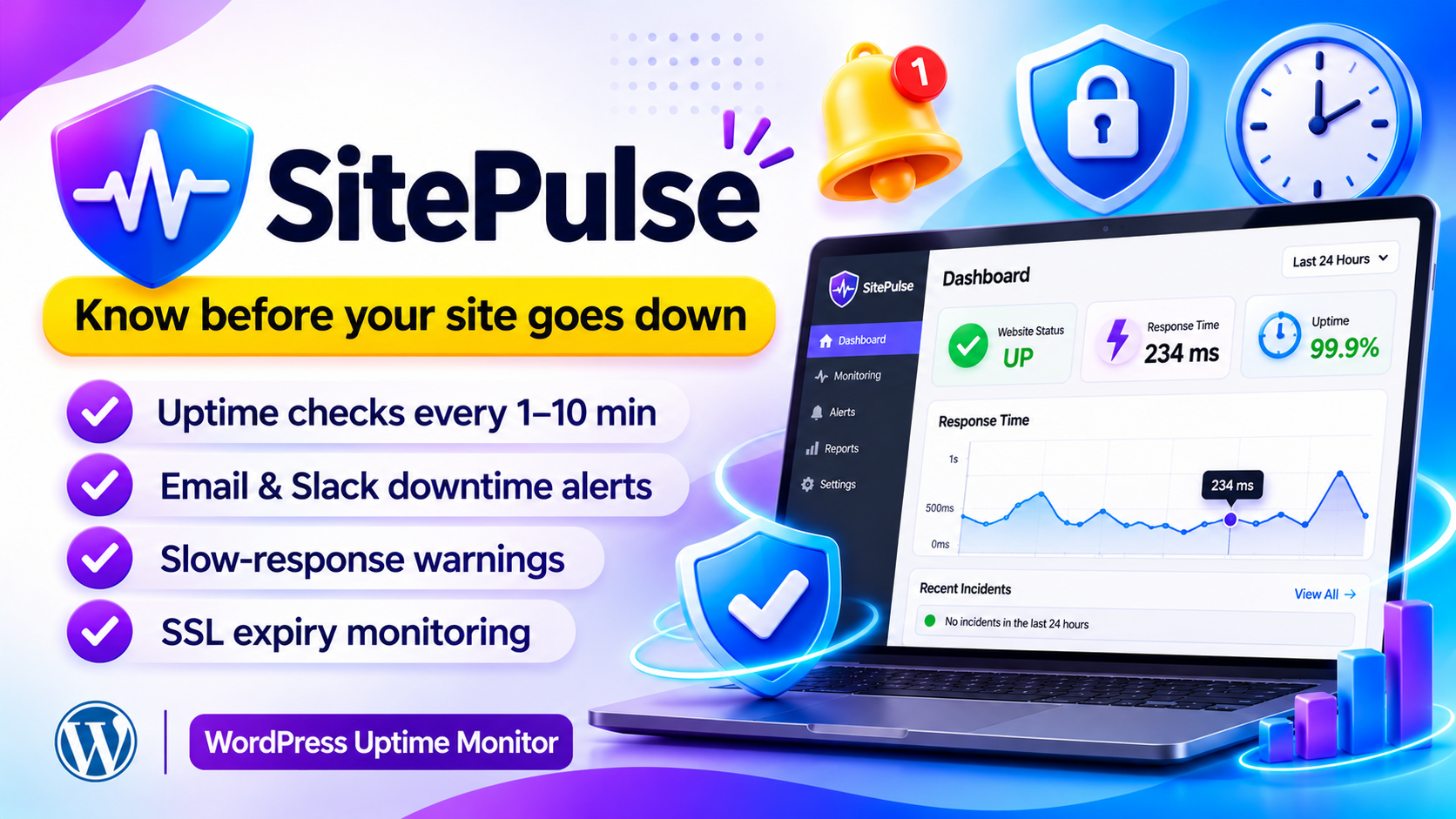
Know about downtime before your visitors do
SitePulse: uptime monitoring built right into WordPress
SitePulse runs inside your WordPress install. On a schedule it requests your home page, stores the result and alerts you by email or Slack the moment something is wrong, and again when the site is back.
All records stay on your own server and you need no outside account. You pay for the plugin once, with no plugin subscription.
What you get
- Scheduled uptime checks every 1, 5 or 10 minutes
- DOWN and RECOVERED alerts by HTML email or Slack / webhook
- Slow-response warning with your own threshold
- SSL certificate expiry warning on HTTPS sites
- Response-time chart, uptime percentages and incident history
- False-alarm guard that waits for repeated failures
- Maintenance mode and CSV export of all logs
The real problem: you often learn your site is down too late
A WordPress site can go down at any hour, and nobody tells you. You find out from an angry customer, a lost sale or a message from a friend. By then the damage is already done.
Downtime goes unnoticed
Your site fails at night or over the weekend and nobody is watching. It stays offline until someone happens to visit.
A slow site is a hidden problem
The site is technically up, but it loads so slowly that visitors give up and leave. You never see it happen.
Expired SSL scares visitors away
When the certificate runs out, browsers show a big security warning and visitors leave straight away.
No history to learn from
Without logs, you cannot tell how often the site went down, for how long, or how reliable it really is.
Many monitoring tools have problems of their own
- Many charge a monthly or yearly subscription
- Many need an outside account and keep your data on their servers
- Some send a flood of false alarms from one failed check
- Some cover only uptime and ignore slow responses and SSL expiry
The solution: SitePulse watches your site so you don't have to
Each problem above is handled by a dedicated feature. Here is exactly what fixes what.
| Problem | How SitePulse solves it |
|---|---|
| Downtime goes unnoticed | Scheduled checks every 1, 5 or 10 minutes with DOWN and RECOVERED alerts by email or Slack |
| A slow site is a hidden problem | Slow-response alert with your own threshold, sent at most once an hour |
| Expired SSL scares visitors away | SSL expiry warning up to 90 days ahead, checked once a day |
| No history to learn from | Response-time chart, uptime percentages, incident history and full logs with CSV export |
| Too many false alarms | False-alarm guard waits for repeated failures before sending a DOWN alert |
| Worry about outside services | Runs inside WordPress, and all records stay on your own server |
Install once, then relax
Setup takes about two minutes. Add your alert email, press Check Now, and SitePulse keeps watching in the background.
Hear about problems first
Get an alert the moment the site goes down, and another when it recovers.
Pay once for the plugin
No monthly plugin bill and no yearly renewal. One payment covers it.
Your data stays with you
No outside account is needed, and all records stay on your own server.
Fewer false alarms
A DOWN alert needs 2 failures in a row by default. You can set anything from 1 to 10.
See the full picture
A visual dashboard with a response-time graph, uptime figures and a history strip of recent checks.
No slowdown for visitors
The check runs in a background cron event, so visitors never wait for it.
Two paths. Which one will you choose?
😟 Without SitePulse
- You find out about downtime from your visitors
- Slow loading goes unnoticed
- An expired SSL certificate catches you by surprise
- You have no record of past outages
- You pay a monitoring subscription or go without
😎 With SitePulse
- You get an email or Slack alert right away
- Slow-response warnings tell you early
- SSL expiry is flagged up to 90 days ahead
- Incident history and CSV logs show every outage
- You pay once for the plugin and keep your data
What does it cost per site? See for yourself
Divide the license by the number of sites and each site costs very little.
($29 / 10 sites)
($59 / 50 sites)
($129 / 100 sites)
And the plugin is a one-time payment. With subscription tools you pay again every year.
Who is SitePulse for?
- WordPress site owners who want to know the moment something breaks
- Freelancers and agencies looking after many client sites
- Online stores and businesses that lose money when the site is offline
- People tired of subscriptions who want a one-time plugin
Still thinking? Common questions
"Will it slow my site down?"
No. The check runs in a background cron event, so visitors never wait for it.
"Can one install watch several sites?"
No. It watches the single WordPress site it is installed on. Install it on each site you want to monitor.
"Are the check times exact?"
WP Cron needs a page visit to run. For exact timing, set up a real server cron job.
Hear about downtime first.
Starting at just $29. Pay once for the plugin, no plugin subscription.
Choose your plan → Email and Slack alerts · Data stays on your own server · No outside account neededFeatures
Scheduled checks
Runs through WP Cron, or a real server cron for exact timing.
Instant alerts
HTML email, Slack message, or both, when the site fails and when it recovers.
Slow-response alerts
Flags a site that is reachable but sluggish. Sent at most once an hour.
SSL expiry notice
Checked once a day. Warns you up to 90 days ahead, at most once a day.
Visual dashboard
Status panel, stat cards, response-time graph and a 20-check history strip.
False-alarm guard
A DOWN alert needs 2 failures in a row by default. You can set 1 to 10.
Incident history
Every outage with start time, resolve time and readable duration.
Logs & CSV export
Full paginated history, exportable to Excel or Google Sheets.
WP dashboard widget
Current status and uptime right on the page you land on after login.
How it works
Setup takes about two minutes. Everything lives under SitePulse in the WordPress admin.
- Install and activateActivation creates the database tables for you.
- Press Check NowThe dashboard updates in seconds, with no page reload.
- Set your alert emailAdd the address in Settings and use Send Test Email to confirm it arrives.
- Add a Slack webhook (optional)Paste an Incoming Webhook URL to get alerts in Slack too.
- Use a real cron (optional)Disable WP Cron and add one server cron line for dependable timing.
Alert types
| Alert | Sent when | Limit |
|---|---|---|
| DOWN | Failures reach the confirmation count | Once per outage |
| RECOVERED | First successful check after an outage | Once per outage |
| SLOW | Site is up but slower than your limit | 1 per hour |
| SSL | Certificate expires inside your warning window | 1 per day |
Every alert has its own subject prefix, so mail filters are easy to build. Slack messages use coloured side bars: red, green, amber and orange.
Requirements
| Requirement | Needed |
|---|---|
| WordPress | 5.8+ |
| PHP | 7.4+ |
| SSL monitoring | HTTPS site (hidden automatically on plain http) |
| WP Cron | Required. A real server cron is recommended |
Compare plans
- License: 10 Site License
- 1-CLICK WordPress Plugin
- Newbie Friendly
- No tech skills needed
- 6 months of updates
- Standard email support
- Uptime checks & DOWN / RECOVERED alerts
- Visual dashboard & response chart
- License: 50 Site License
- 1-CLICK WordPress Plugin
- Newbie Friendly
- No tech skills needed
- 1 year of updates
- Priority support
- Slack / webhook notifications
- Slow-response & SSL expiry alerts
- License: 100 Site License
- 1-CLICK WordPress Plugin
- Newbie Friendly
- No tech skills needed
- Lifetime updates
- Priority support + setup help
- Incident history & CSV log export
- Maintenance mode & false-alarm guard
Every plan includes the full plugin. Plans differ in licenses, updates and support.
Questions
Why does it say DOWN when my site works?
SitePulse tests from your own server. If your host blocks loopback HTTP requests, the check fails even though visitors can reach the site.
Can one install watch several sites?
No. It watches the single WordPress site it is installed on. Install it on each site you want to monitor.
I chose 1 minute but checks run every 5.
WP Cron needs a page visit to run. Set up a real server cron job to fix this.
Will it slow my site down?
No. The check runs in a background cron event, so visitors never wait for it.
What happens if I deactivate or delete it?
Deactivating keeps your log data. Deleting the plugin removes the tables.
Where is the SSL card on my local site?
It only shows on HTTPS sites. On http://localhost it is hidden because there is no certificate to check.