
ImageOptimizer AI
Make your website load faster by shrinking and converting images automatically. Install, choose a format, click Convert.
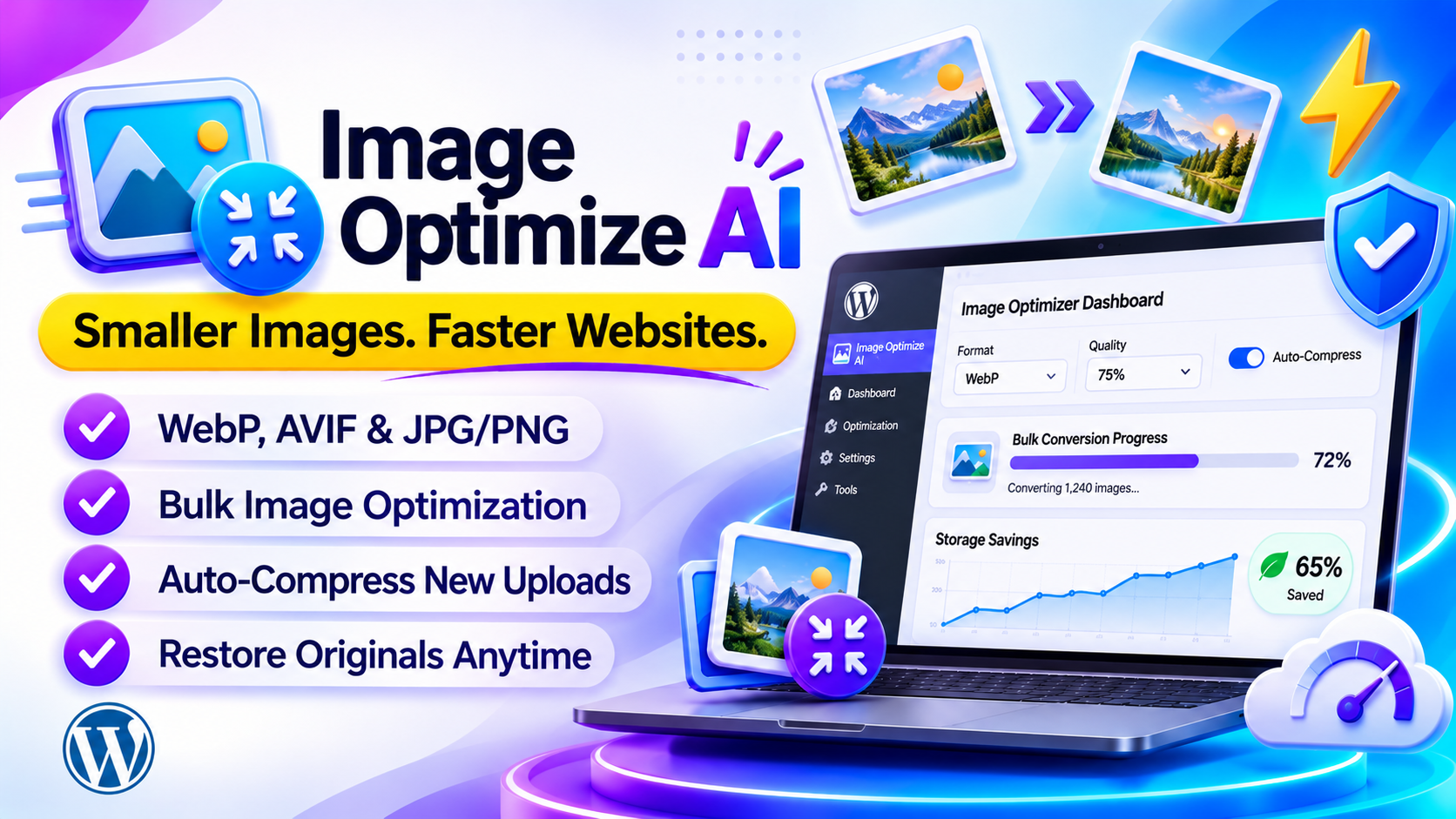
Smaller images, faster pages
ImageOptimizer AI: image optimization built right into WordPress
ImageOptimizer AI shrinks and converts your images to modern formats like WebP and AVIF, or compresses plain JPG and PNG files. You pick a format, click Convert, and your Media Library gets lighter.
Everything runs on your own server. There is no API, no account and no third-party service, so your images never leave your site.
What you get
- Bulk-convert your whole Media Library with a live progress bar
- Auto-Compress on Upload so new images are optimized instantly
- Originals are always kept, restore one image or all of them
- External Optimizer for files outside your Media Library
- Dashboard charts for images optimized and space saved
- Thumbnail sizes WordPress creates are kept in sync
- Private: images are never sent to any third-party service
The real problem: heavy images slow your whole website
Photos straight from a camera or a design tool are often far bigger than a web page needs. Visitors wait, get tired of waiting, and leave before they see your content.
Pages load slowly
Large image files make every page heavier, so visitors stare at a half-loaded screen.
Visitors leave
When a page takes too long, people hit the back button and never come back.
Search rankings suffer
Speed matters to search engines, and heavy images are one of the easiest things to fix.
Mobile users pay the price
On a slow connection, big images eat data and take ages to appear on a phone.
Many optimization tools have problems of their own
- Many send your images to their servers for processing
- Many ask for an API key, an account or a monthly fee
- Some overwrite your originals with no easy way back
- Some are too technical for beginners to set up
The solution: ImageOptimizer AI makes your images light and keeps them safe
Each problem above is handled by a dedicated feature. Here is exactly what fixes what.
| Problem | How ImageOptimizer AI solves it |
|---|---|
| Pages load slowly | Bulk-convert the Media Library to WebP, AVIF or compressed JPG/PNG with one click |
| New uploads are heavy again | Auto-Compress on Upload optimizes every new image the moment it is added |
| Fear of ruining image quality | Four quality levels from 25% to lossless, with 75% as the recommended default |
| Originals get lost | A copy of every original is kept, and you can restore one image or all of them |
| Thumbnails don't match | All WordPress-generated sizes are kept in sync with the optimized image |
| Files outside the Media Library | External Optimizer converts JPEG, PNG, GIF, WebP or AVIF files and lets you download the result |
| Privacy and extra services | Everything is processed on your server, with no API and no third party |
Set it up once, then let it run
Choose a format and quality, click Convert, and turn on Auto-Compress. Your site stays light from then on.
Faster page load
Smaller images mean pages open sooner and fewer visitors bounce.
Better SEO
Faster websites rank higher, and optimized images help directly.
Happy mobile visitors
Smaller files use less data and load faster on 4G.
Less storage used
Optimized images take less disk space, which can lower hosting costs.
Fully reversible
Restore any image to its original with a single click.
Private and secure
Your images never leave your site. No account, no API key.
Two paths. Which one will you choose?
😟 Without ImageOptimizer AI
- Pages load slowly and visitors leave
- Every new upload is heavy again
- Images go to an outside service or stay unoptimized
- You worry about losing the originals
- Disk space keeps filling up
😎 With ImageOptimizer AI
- Images shrink with one click on Convert
- New uploads are optimized automatically
- Everything stays on your own server
- Originals are kept and restorable any time
- A dashboard shows exactly how much space you saved
What does it cost per site? See for yourself
Divide the license by the number of sites and each site costs very little.
($29 / 10 sites)
($59 / 50 sites)
($129 / 100 sites)
One-time payment. No subscription and no per-image fees.
Who is ImageOptimizer AI for?
- WordPress site owners who want a faster website without technical work
- Bloggers and photographers with large Media Libraries
- Store owners whose product photos slow down their pages
- Freelancers and agencies building WordPress sites for clients
Still thinking? Common questions
"Do I need an API key or account?"
No. Everything runs on your own server, with no external API and no sign-up.
"Is it hard to set up?"
No. Install, pick WebP at 75%, and click Convert. Setup takes under 5 minutes.
"What if I change my mind?"
Your originals are always kept, so you can restore one image or all of them.
Make your website fast, once and for all.
Starting at just $29. Pay once, no subscription.
Choose your plan → No API required · Originals kept · WebP, AVIF and JPG/PNGFeatures
Bulk convert
Convert your whole Media Library with a live progress bar.
Auto-Compress
Pick a format once and every new upload is converted automatically.
Fully reversible
Restore any image to its original with a single click.
External Optimizer
Convert JPEG, PNG, GIF, WebP or AVIF files and download the result.
Dashboard charts
See images optimized and space saved at a glance.
Thumbnails in sync
All generated sizes (small, medium, large and so on) are kept in sync.
Smart skipping
Files under 10 KB, already optimized or restored images are skipped for you.
Private & secure
All processing happens on your server. Your images never leave your site.
4 quality levels
From maximum savings at 25% up to lossless at 100%.
How it works
Set up in under 5 minutes. Everything lives under Image Optimizer → Optimizer.
- Install and activateUpload the plugin ZIP from Plugins → Add New.
- Choose a format and qualityWebP at 75% is the recommended starting point.
- Click ConvertA progress bar fills up as images are processed. Leave the page open.
- Review the dashboardThe page refreshes and the charts show your total savings.
- Turn on Auto-CompressNew uploads are optimized automatically from then on.
Formats & quality
| Mode | Best for | Notes |
|---|---|---|
| WebP Recommended | Most websites | Typically 25–35% smaller. Works in all modern browsers. |
| JPG / PNG Compress | Keeping the original format | Smaller savings, universally compatible. |
| AVIF | Cutting-edge sites | Up to 50% smaller than JPEG. Needs PHP 8.1+ and AVIF support on the server. |
| Quality | Label | What to expect |
|---|---|---|
| 25% | Maximum savings | Smallest files, some loss visible on close inspection. |
| 50% | Balanced | Good savings with acceptable quality. |
| 75% | Recommended | Looks identical for most images with strong reduction. |
| 100% | Lossless | No visible loss, smallest savings. |
Requirements
| Requirement | Needed |
|---|---|
| WordPress | 5.8+ |
| PHP (for AVIF only) | 8.1+ |
| Server image library (for AVIF) | Must be built with AVIF support |
| Supported inputs | JPEG, PNG, WebP, AVIF (GIF and BMP are skipped) |
Compare plans
- License: 10 Site License
- 1-CLICK WordPress Plugin
- Newbie Friendly
- No tech skills needed
- 6 months of updates
- Standard email support
- Full plugin, all features included
- WebP, AVIF & JPG/PNG Compress
- License: 50 Site License
- 1-CLICK WordPress Plugin
- Newbie Friendly
- No tech skills needed
- 1 year of updates
- Priority support
- Full plugin, all features included
- WebP, AVIF & JPG/PNG Compress
- License: 100 Site License
- 1-CLICK WordPress Plugin
- Newbie Friendly
- No tech skills needed
- Lifetime updates
- Priority support + setup help
- Full plugin, all features included
- WebP, AVIF & JPG/PNG Compress
Every plan includes all formats and features. Plans differ in licenses, updates and support.
Questions
Will optimization make my images look worse?
At 75% or higher the difference is invisible to the human eye. At 25% or 50% there may be slight loss on very detailed images.
Can I undo the optimization?
Yes. A copy of every original is kept. Restore one image from the Media Library or all of them from the Optimizer page.
Which format should I choose?
WebP for most sites. AVIF is more efficient but needs PHP 8.1+. JPG/PNG Compress keeps the original format.
Does it update WordPress thumbnails too?
Yes. All generated sizes (small, medium, large and so on) are kept in sync.
Why are some images not converted?
Images under 10 KB, GIF and BMP files, already optimized images and previously restored images are skipped.
Will WebP work for all visitors?
WebP works in Chrome, Firefox, Safari 14+, Edge and Opera, which covers well over 95% of users.
Do I need to re-run it for new uploads?
Not if Auto-Compress on Upload is enabled. Otherwise run the bulk conversion again.