
SiteShield
A complete, modular WordPress security plugin: firewall, malware scanner, login hardening and file integrity monitoring, all without external APIs.
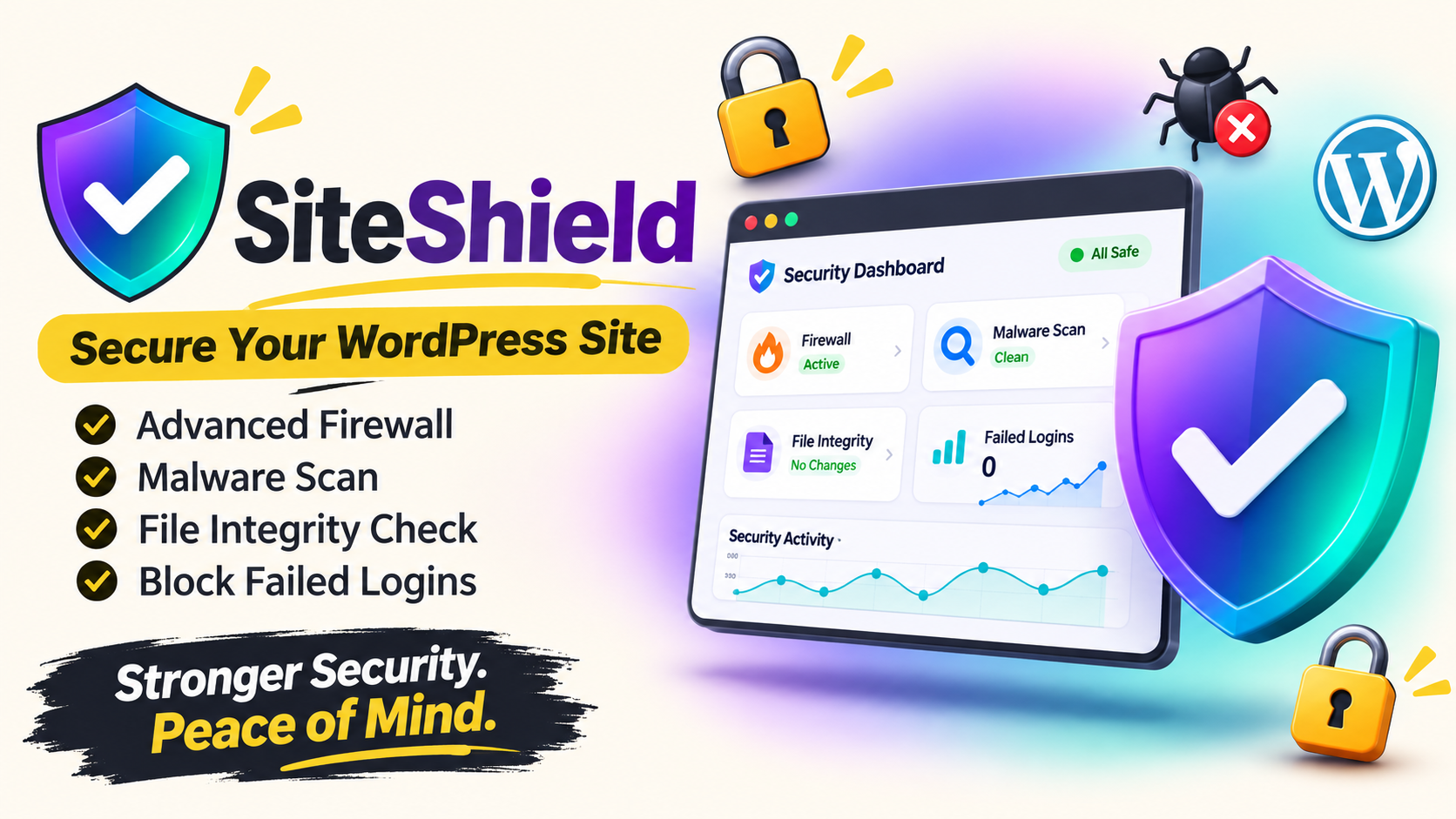
Security that runs on your own server
SiteShield: your website's own security guard
SiteShield is a complete WordPress security plugin that brings a firewall, malware scanner, login protection and file monitoring together in one place. Everything runs on your own server and database. There are no external APIs and no data leaves your site.
Every feature is an independent module. You turn on only what you need, and modules you leave off load zero code, so your site stays fast. Pay once, no subscription.
What you get
- Brute-force protection with automatic IP blocking
- Web Application Firewall: SQL injection, XSS and rate limiting
- Malware scanner for PHP files and the database
- File Integrity Monitoring using SHA-256 hashes, with email alerts
- One-click hardening and HTTP security headers
- Activity log with 90-day retention (configurable)
- Custom login URL, XML-RPC disabling and username enumeration protection
The real problem: your site is being attacked every day
Many site owners think, "My site is small, why would anyone hack it?" But hackers don't pick targets by hand. Their bots scan thousands of WordPress sites around the clock and exploit anything that looks weak. Whether your site is small or big makes no difference to a bot.
Password guessing (brute force)
Bots try thousands of passwords on your login page. If just one works, the whole site is theirs.
Code injection (SQLi / XSS)
Attackers slip malicious code into URLs or forms to steal your database or attack your visitors.
Hidden malware
An outdated plugin or theme lets a virus in. The site looks normal while spam and backdoors run in the background.
Files changed in secret
If someone edits a core or plugin file, you won't know about it until Google shows a "Hacked site" warning.
Many security plugins have problems of their own
- Many send your data to an external cloud service
- You pay a monthly or yearly subscription
- Everything loads at once, which can slow your site down
- Setup is technical and hard for beginners
The solution: SiteShield covers every weak point
Each problem above is handled by a dedicated SiteShield module. Here is exactly what protects you from what.
| Problem | How SiteShield solves it |
|---|---|
| Password guessing | Blocks the IP automatically after too many failed logins, plus a hidden login URL |
| SQLi / XSS attacks | The firewall checks every request first and stops malicious ones |
| Hidden malware | The scanner checks files and the database and shows the exact file and line number |
| Files changed in secret | File Integrity Monitoring sends an email alert as soon as something changes |
| Weak WordPress settings | One-click Hardening and HTTP Security Headers |
| No idea what happened and when | The Activity Log records every login, block and scan |
Install once, then relax
Security should not mean daily worry. SiteShield works in the background, and when something goes wrong you hear about it before Google does.
Peace of mind
Attacking IPs are blocked automatically. You don't have to stay up checking your site.
Pay once
No monthly bill and no yearly renewal. One payment and you're done.
Your site stays fast
The design is modular. A module that is off loads zero code, so your site isn't weighed down.
Your data stays yours
No external APIs. Logs and scan results stay in your own database.
Know the exact problem
When malware is found you get the file name and line number. No guessing in the dark.
Simple setup
Upload, activate and turn on the modules you want. No technical skills needed.
Two paths. Which one will you choose?
😟 Without security
- Bots guess passwords on your login page every day
- You don't find out when the site is hacked
- Google shows a "Hacked site" warning and rankings drop
- Cleanup costs money and takes days
- Customers lose trust in you
😎 With SiteShield
- Repeated failed logins get the IP blocked automatically
- Email alert as soon as a file changes
- Malware scans surface problems early
- The firewall stops malicious requests up front
- The Activity Log keeps a record of everything
What does it cost per site? See for yourself
Divide the license by the number of sites and protecting each one costs very little.
($29 / 10 sites)
($59 / 50 sites)
($129 / 100 sites)
And it's a one-time payment. With subscription plugins you pay the same amount again every year.
Who is SiteShield for?
- Anyone with a WordPress site or blog who wants to keep it safe
- Freelancers and agencies managing client sites
- People tired of subscriptions who want a one-time solution
- Beginners with no technical security knowledge
Still thinking? Common questions
"Will it slow my site down?"
No. Heavy scans only run on a schedule or when you click, not on every page load.
"I'm not technical"
Each module has simple settings and one dashboard shows everything. The Agency plan also includes setup help.
"Does it work on Nginx?"
Yes, all PHP-level features work. Only the .htaccess hardening rules are Apache-specific.
Don't wait to get hacked
Starting at just $29. Pay once, no subscription, all 7 security modules in every plan.
Choose your plan → No external APIs · Data stays on your server · Enable only what you needFeatures
Login Security
Attempt limiting, hidden login URL, XML-RPC off and enumeration blocking.
Firewall
Runs early on every request. 12 SQL injection and 9 XSS signatures plus rate limiting.
File Integrity
Detects modified, new and deleted files in core, plugins and themes.
Malware Scanner
Line-by-line scan with exact file and line number for every finding.
Hardening
Disable file editing, directory browsing, protect wp-config.php, hide version.
Security Headers
X-Frame-Options, nosniff, Referrer-Policy, HSTS and Permissions-Policy.
Activity Logs
An audit trail of logins, blocks, scans and file changes.
Modular
Disabled modules load zero code and add zero hooks.
Security Dashboard
Live stat cards and one-click malware and integrity scans.
How it works
Everything lives under the SiteShield menu in your WordPress admin.
- Upload and activateActivation creates five database tables and default settings.
- Open the DashboardSee blocked IPs, failed logins, malware issues and firewall blocks at a glance.
- Enable the modules you needEvery module is off by default. Turn on only what you want in Settings.
- Run your first scansRun the Malware Scanner and File Integrity scans to set your baseline.
- Rebuild baseline after updatesAfter a WordPress, plugin or theme update, click Rebuild Baseline.
Modules in detail
| Module | What it does | Default |
|---|---|---|
| Login attempts | 5 failures in 30 minutes blocks the IP for 30 minutes | Configurable |
| Firewall check order | IP block list, rate limit, SQL injection, then XSS | Rate limit 100 / 60 s |
| File Integrity | Scheduled scan every 12 hours, email alert on changes | Off |
| Malware Scanner | Scans uploads, plugins, themes and the database. Weekly cron. | Off |
| Scan results | Resolve fixed items, Ignore false positives, exclude trusted paths | — |
| Hardening | File editing off, no directory listing, wp-config protected, version hidden, RSD removed, REST API for logged-in users only | Off |
| Log retention | Old log entries are cleaned up daily | 90 days |
Only enable HSTS if your whole site runs on HTTPS. The REST API restriction can affect some page builders and form plugins, so test after enabling it.
Requirements
| Requirement | Needed |
|---|---|
| WordPress | 6.0+ |
| PHP | 7.4+ |
| Web server | Any. The .htaccess hardening rules are Apache-only |
| WP Cron | Used for scheduled scans and log cleanup |
Compare plans
- License: 10 Site License
- 1-CLICK WordPress Plugin
- Newbie Friendly
- No tech skills needed
- 6 months of updates
- Standard email support
- Login Security with auto IP blocking
- Firewall against SQLi, XSS and floods
- License: 50 Site License
- 1-CLICK WordPress Plugin
- Newbie Friendly
- No tech skills needed
- 1 year of updates
- Priority support
- Malware Scanner for files and database
- File Integrity Monitoring with email alerts
- License: 100 Site License
- 1-CLICK WordPress Plugin
- Newbie Friendly
- No tech skills needed
- Lifetime updates
- Priority support + setup help
- One-click Hardening & Security Headers
- Activity Logs & live Dashboard
Every plan includes all 7 security modules. Plans differ in licenses, updates and support.
Questions
I enabled the Custom Login URL and I'm locked out. What now?
Go to /wp-admin/ and WordPress will redirect you to the login page. You can also rename the siteshield folder over FTP to disable the plugin temporarily.
The scanner flagged a function in a trusted plugin.
Functions like curl_exec() and gzinflate() are used by both malware and legitimate code. Use Ignore, or add the path to Scan Exclusions.
File Integrity shows many changes after an update. Is that normal?
Yes. Click Rebuild Baseline after any intentional update to clear the flags.
Will it slow down my site?
Impact is minimal. Heavy scans only run on schedule or when you start them, not on every page load.
Does it work on Nginx?
Yes, all PHP-level features work. The .htaccess rules from the Hardening module are Apache-specific, so add equivalent rules to your Nginx config.
What happens to my data on deactivate vs delete?
Deactivating keeps all tables and settings. Deleting the plugin drops all five tables and removes the options. This cannot be undone.